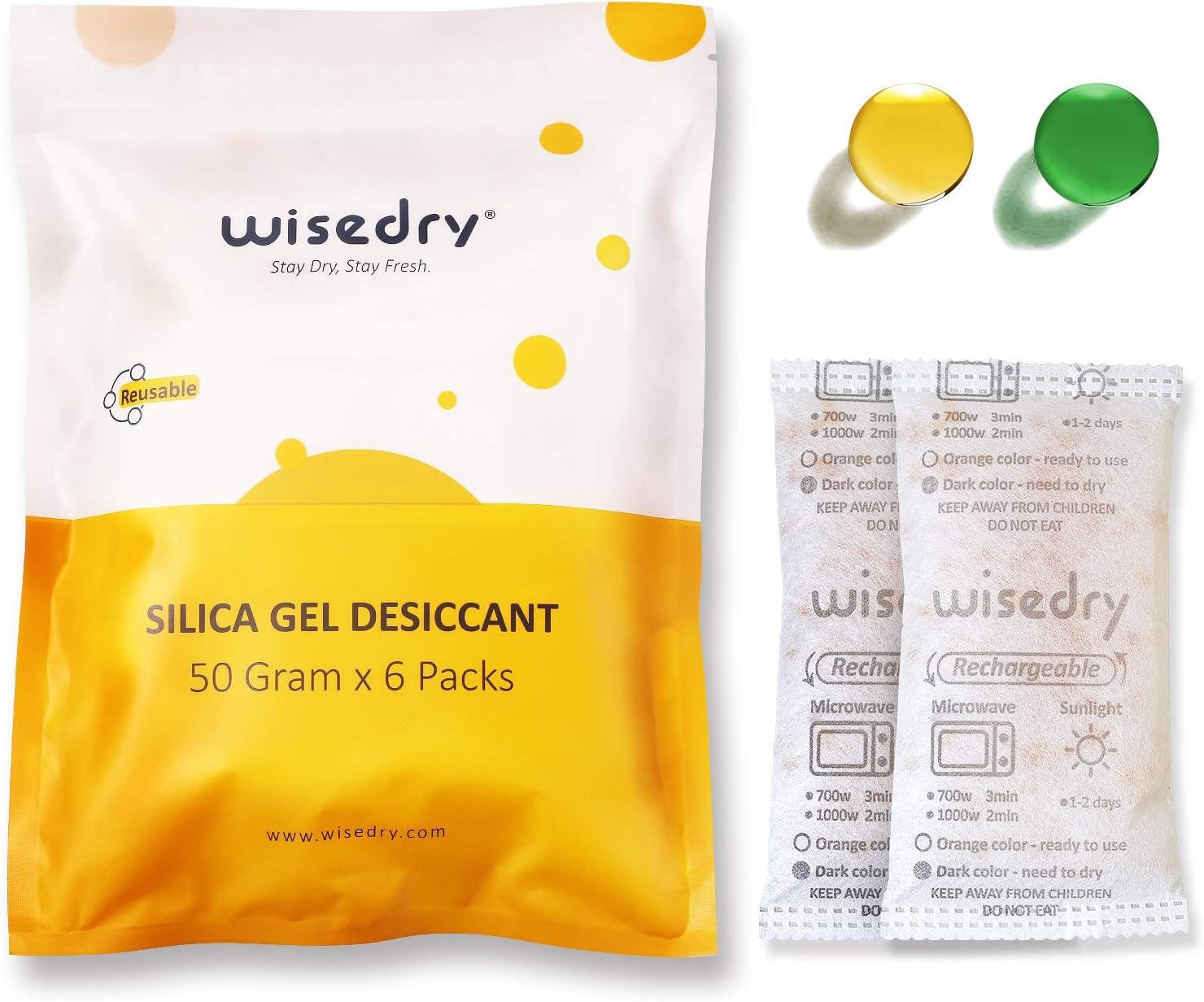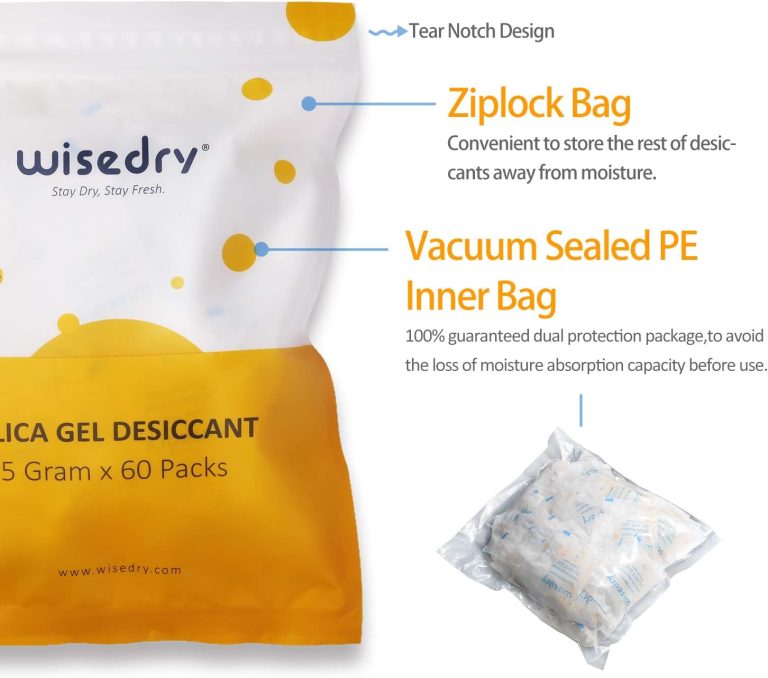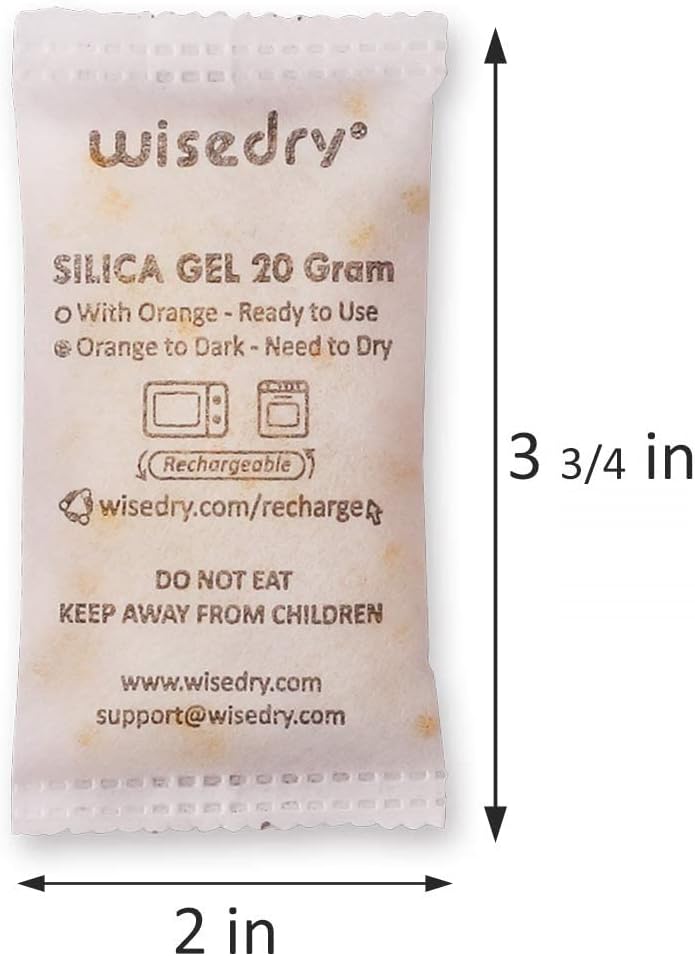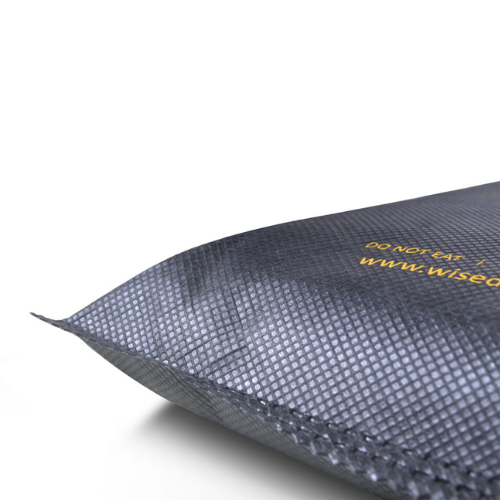
A clear or see-through desiccant packet lets you inspect more of what is inside, while an opaque packet asks you to rely more heavily on its printed label, indicator feature, and maintenance record. That is the practical difference—but packet transparency does not tell you everything about remaining capacity, suitability, or condition.
With either format, you still need to identify the product, follow its instructions, inspect the outer material and seams, keep it exposed to the air inside the container, and maintain it on a sensible schedule. Visibility is useful evidence, not a complete test.
The Short Answer
Here is what you can usually check without opening a packet:
- Clear packet: bead color, broad color distribution, obvious contamination, clumping near the visible surface, packet position, outer damage, and printed instructions.
- Opaque packet: printed product identity, indicator window or dot if provided, outer damage, seams, position, labels, dates, and the product’s stated recharge method.
- Either format: whether the packet is crushed, wet on the outside, sharply folded, buried, blocking a lid, or placed where it cannot be checked.
Here is what you usually cannot determine from appearance alone:
- an exact moisture percentage inside the container;
- the packet’s remaining adsorption capacity as a precise number;
- whether the container seal is performing well;
- whether the amount of desiccant is appropriate for the container;
- whether an unknown packet is rechargeable;
- whether a color change means the same thing across different products.
If you use Wisedry see-through products, begin with the exact see-through desiccant packet instructions rather than applying a generic color rule.
What A Clear Packet Helps You See
The main advantage of a clear packet is direct access to visible clues. You can look at the silica gel without cutting, opening, or altering the sachet.
Bead Color
For a product made with indicating silica gel, visible bead color can help you decide when to follow the product’s recharge instructions. Compare the beads with the color guidance for that exact product. Do not borrow a color rule from another brand, packet type, or loose-bead product.
Color is most useful when:
- you know the packet’s original dry-state color;
- the product instructions define the changed color;
- lighting is neutral enough to compare accurately;
- most of the relevant beads are visible;
- you check the packet before it becomes buried or obstructed.
If the beads show mixed colors, do not judge the entire packet from one bead near an edge. The article Why Silica Gel Changes Color Unevenly During Use explains why different parts of a packet may not look identical at the same moment.
Color Distribution
A see-through packet can reveal whether color change appears broad, patchy, or concentrated near one area. That is an observation, not a diagnosis. Airflow, packet orientation, contact with nearby objects, lighting, and the way beads settle can all affect what you see.
Use the observation to improve your check:
- turn on a neutral white light;
- view more than one side if the packet can be handled without stress;
- compare the center and edges;
- look for areas hidden by printing or folds;
- follow the official recharge trigger rather than inventing a percentage.
Visible Clumping Or Foreign Material
Clear material may make obvious clumping or foreign material easier to notice. Do not squeeze or bend the packet to break clumps apart. If the packet looks physically abnormal, the seams are stressed, or the contents cannot be identified confidently, stop using it and consult Wisedry Support.
Visual access does not make it appropriate to open the sachet. Keep the packet intact.
What An Opaque Packet Can Still Tell You
Opaque does not mean uncheckable. It simply shifts attention from the beads to the product’s designed inspection points and your maintenance routine.
Printed Identity And Instructions
An opaque packet can provide the information that matters most for correct handling:
- product name or format;
- labeled weight or size;
- rechargeability;
- recharge method;
- indicator explanation, if present;
- handling warnings;
- manufacturer or support route.
Keep the printed side visible when possible. If the packet is placed face-down beneath stored items, you lose access to the label even if the sachet itself remains intact.
Indicator Dot Or Window
Some opaque packets use a dedicated indicator dot, panel, or small window. Check that feature according to the product instructions. Do not assume the color of a dot follows the same pattern as fully visible indicating beads.
A dedicated indicator can be easier to check consistently because it gives you one designed inspection point. Its limitation is equally clear: you see the indicator, not the entire fill. That is why placement, dates, and physical inspection still matter.
Outer Condition
You can inspect an opaque sachet for:
- torn or punctured material;
- opened or stressed seams;
- deep creases from repeated folding;
- crushing beneath stored items;
- external stains or dampness;
- faded or unreadable instructions.
If the outer material or seam is damaged, do not treat an unchanged indicator as proof that the packet is suitable for continued use. Follow When To Replace A Damaged Desiccant Sachet and stop handling it unnecessarily.
What Transparency Does Not Prove
A visible packet can feel more informative, but several important decisions still require more than a glance.
It Does Not Measure Container Humidity
Bead color is not a substitute for a calibrated humidity reading. An indicator is designed to support product maintenance, not to provide an exact environmental measurement.
It Does Not Confirm The Right Amount
A packet can look perfectly clear and still be too little or more than needed for the setup. Estimate the starting amount separately with the Wisedry Silica Gel Amount Guide.
It Does Not Confirm A Good Seal
A clear packet cannot tell you whether a gasket is damaged, a latch is uneven, or an object is preventing the lid from closing. Run the Airtight Box Checklist before blaming the packet for frequent recharge cycles.
It Does Not Identify An Unknown Product
A transparent pouch with colored beads is not automatically rechargeable, microwave-safe, food-contact suitable, or interchangeable with a known Wisedry product. If the label and instructions are missing, appearance alone is not enough.
It Does Not Override Physical Damage
Visible beads do not cancel a tear, puncture, broken seam, or heat-damaged outer layer. The packet must remain physically intact regardless of its color.
Choose The Format Around Your Check Routine
The better packet format is the one you can identify, place correctly, inspect consistently, and maintain according to its instructions.
A clear packet may suit you when:
- seeing bead color directly is useful to your routine;
- the packet will stay visible in the container;
- lighting allows a reasonable comparison;
- you prefer to compare color across more than one area;
- the printed instructions remain readable.
An opaque packet may suit you when:
- it has a clear dedicated indicator feature;
- the label and recharge method are easy to read;
- you already use a dated inspection or rotation schedule;
- the packet shape fits the storage space better;
- direct bead visibility is not necessary for the product’s intended check method.
Do not choose by transparency alone. Packet size, total amount, container fit, airflow, opening frequency, and maintenance access can be more important to the everyday setup. If size is the main problem, use What Desiccant Pack Size Works Best For Small Containers? as the next guide.
A Five-Step Check For Either Packet Type
1. Identify The Product
Read the label. Confirm the packet type, size, indicator logic, and recharge instructions. Keep unlike products separate so one color rule is not applied to all of them.
2. Inspect The Outer Material
Look at the face, edges, and seams. Do not use a packet that must be folded, compressed, or dragged past a sharp object to fit.
3. Check The Designed Indicator
For a clear packet, compare visible beads with the exact product guide. For an opaque packet, check its indicator dot, panel, window, or maintenance schedule. Use neutral lighting and avoid judging from a photo with strong color filters.
4. Check Placement And Air Exposure
Make sure the packet is not sealed inside another bag, buried beneath dense contents, or trapped where the lid presses on it. Keep the indicator or label accessible.
5. Record The Result
A simple date label can prevent guesswork. Note when you checked or recharged the packet and where it belongs. If several packs rotate between containers, a basic log is more dependable than memory.
When the product reaches its defined recharge point, follow the Wisedry recharge guidance for the exact packet format. Let a recharged packet cool as instructed before returning it to storage.
Common Checking Mistakes
Assuming Clear Means More Accurate
Clear material provides more visible information, not necessarily a more precise measurement. You still need the correct color guide and a consistent viewing method.
Guessing From A Single Bead
One bead near a printed edge may not represent the whole visible packet. Look across the available surface and use the product’s stated trigger.
Treating Every Indicator Color The Same
Different products may use different indicator systems. Never create a universal “orange means X” or “green means Y” rule without checking the specific instructions.
Ignoring The Label On A Clear Packet
Being able to see the beads does not replace the product identity, recharge method, and handling guidance printed on the package.
Hiding The Check Point
A packet cannot support a routine if its window, indicator, or label faces the bottom of a crowded box. Position it so you can inspect it without unloading everything.
Opening The Sachet To Get A Better Look
Do not cut or open a packet for inspection. If the indicator cannot be interpreted or the product cannot be identified, contact support instead of modifying it.
Frequently Asked Questions
Are clear desiccant packets always rechargeable?
No. Transparency does not prove rechargeability. Read the product label and instructions. Recharge only when the exact packet is identified as rechargeable and follow its stated method.
Is an opaque packet impossible to inspect?
No. You can check its label, seams, outer condition, placement, dates, and any designed indicator dot or window. A consistent maintenance record can compensate for not seeing all the beads.
Can I compare indicator colors under warm room lighting?
Warm or colored lighting can change how a bead or dot appears. Use neutral white light when possible and compare against the exact product guidance rather than memory.
What if only part of a clear packet changes color?
Inspect more than one area and confirm that the packet is not folded, covered, or pressed against an object. Follow the product instructions; do not invent a percentage threshold from the visible section.
Should I replace an opaque packet just because I cannot see the beads?
Not for that reason alone. Use its designed indicator and maintenance instructions. Replace it when physical damage, unreadable identity, or the product guidance indicates that continued use is inappropriate.
Build A Check You Can Repeat
Clear packets make internal visual clues easier to see. Opaque packets put more emphasis on labels, dedicated indicators, dates, and routine. Neither format removes the need to identify the product, inspect its outer condition, place it correctly, and follow its instructions.
Next step: Review the Wisedry see-through packet instructions for product-specific indicator guidance, or visit Wisedry Support if a packet’s identity, indicator, or physical condition is unclear. To compare available packet formats, browse the Wisedry Shop.