If your desiccant pack does not change color, first confirm that the product actually contains a visible indicator. Some silica gel is non-indicating and is not supposed to change color. If the pack does have an indicator, check it in neutral light, confirm that the viewing area is exposed, compare it with the instructions for that exact product, and review the container before deciding that the pack is faulty.
Do not guess a color rule from another packet. Wisedry products can use different indicator systems, including visible indicating beads and ColorDot indicators. Start with the label, then use the checks below in order.
1. Confirm Whether The Pack Is Supposed To Change Color
A packet can contain one of three common arrangements:
- Visible indicating beads: selected beads change color as they adsorb moisture.
- A separate indicator dot or window: the indicator changes while most of the silica gel remains visually unchanged.
- Non-indicating silica gel: the beads or packet do not provide a color signal at all.
White or clear non-indicating beads may look exactly the same when dry and when they have adsorbed moisture. That is normal, not evidence that the material is inactive. For an overview of visible and non-visible formats, see Clear Packets vs Opaque Desiccant Packs.
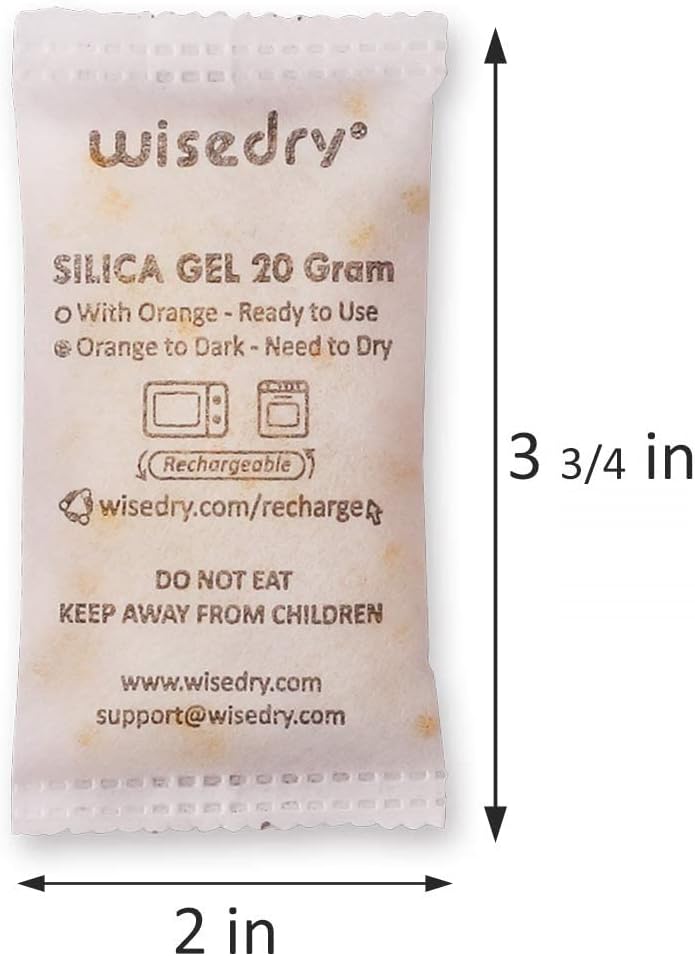
Check the packet label, retail packaging, or product guide for words such as “indicating,” “indicator,” “ColorDot,” or a stated dry-to-wet color pair. If none appears, do not wait for a color change that the product was not designed to show.
2. Use The Indicator Rule For Your Exact Wisedry Product
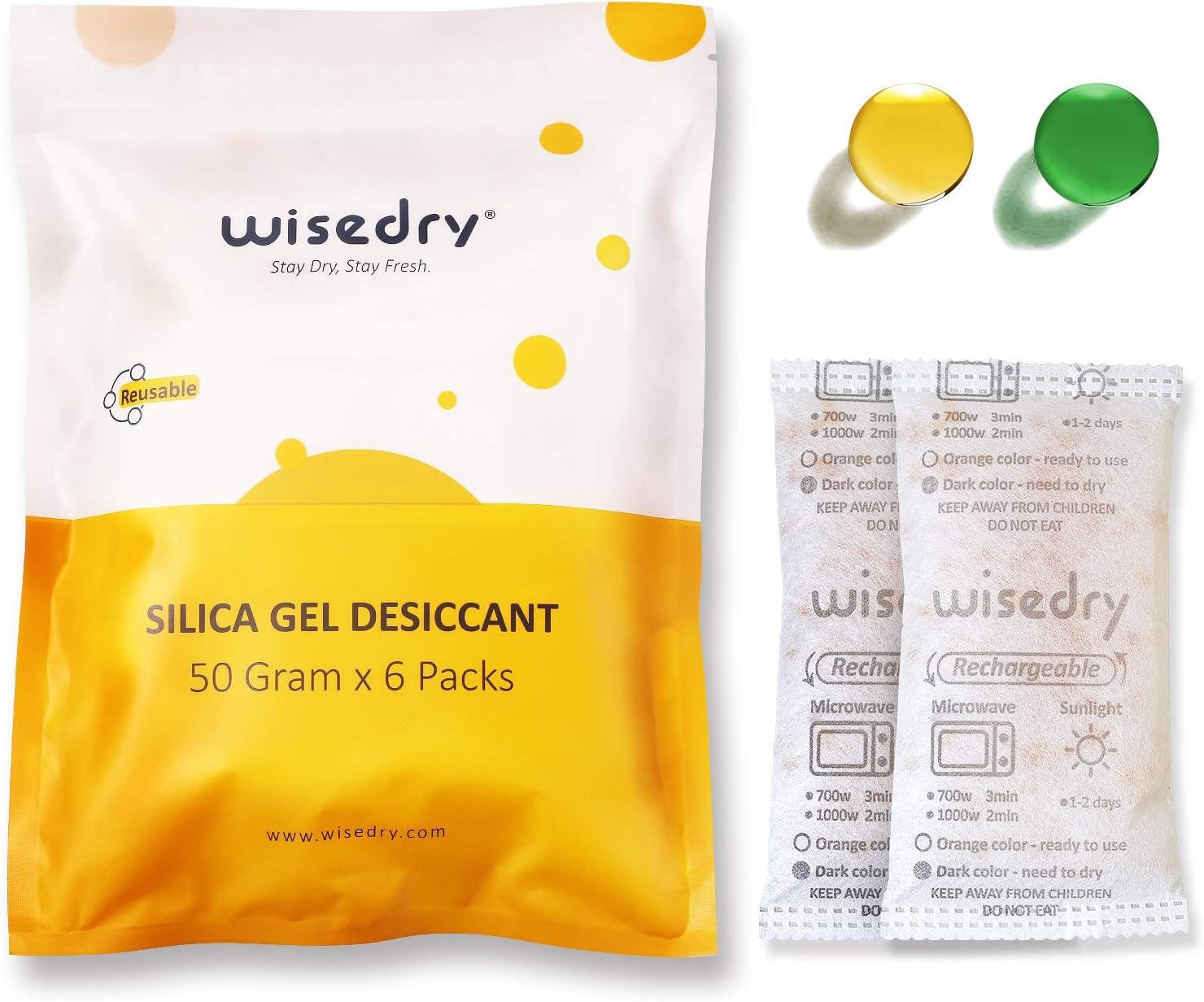
For Wisedry see-through packets that use orange-to-dark-green indicating beads, orange is the ready-to-use color and dark green is the saturated color that signals reactivation. The packet can also contain white, non-indicating beads; those white beads will not change color.
Wisedry ColorDot products use a different system: follow the dedicated dot and the Wisedry ColorDot desiccant instructions rather than judging every bead through the packet.
The important rule is simple: match the indicator to the product guide. Do not apply the orange-to-dark-green rule to a ColorDot packet, and do not apply either rule to another brand or product with different instructions.
3. Check The Pack In Neutral Light
Color is easy to misread under warm bulbs, colored storage-bin lids, tinted windows, or direct reflections. Before troubleshooting the product itself:
- Move the packet into indirect daylight or neutral white room light.
- Wipe dust from the outside without wetting or opening the packet.
- Hold it against a plain white background.
- Look at several visible indicator areas rather than one bead at the edge.
- Compare the current color with the label or official guide, not with a filtered phone photo.
If one side looks different from another, the issue may be uneven exposure rather than no response. Read Why Silica Gel Changes Color Unevenly During Use before treating a mixed pattern as a failure.
4. Make Sure The Indicator Is Actually Visible
A packet may be working while the useful indicator is hidden. Common viewing problems include:
- the indicator window faces the wall or bottom of the container;
- the packet is buried beneath stored items;
- a folded sachet hides the indicating area;
- a label, divider, or pouch covers the ColorDot;
- only white non-indicating beads are visible at the current angle;
- condensation or dust on a clear container wall distorts the color.
Reposition the packet so the intended indicator faces upward and remains accessible. Do not cut open, squeeze, or sharply fold the sachet to inspect it. If a deep bin makes checks difficult, use a fixed top check zone like the one in How To Keep Desiccant Packs Visible In Deep Storage Bins.
5. Ask Whether Enough Moisture Has Reached The Pack
An indicating pack does not have to change quickly. In a dry, reasonably sealed container with dry contents, it may remain at the ready color for a long time. That is the intended outcome.
Before assuming there is a problem, note:
- how long the packet has been in service;
- whether the container is opened daily or stays closed;
- whether the stored items were completely dry when packed;
- whether the packet sits in open airflow or inside a second sealed pouch;
- whether a humidity reading or the condition inside the container has actually changed.
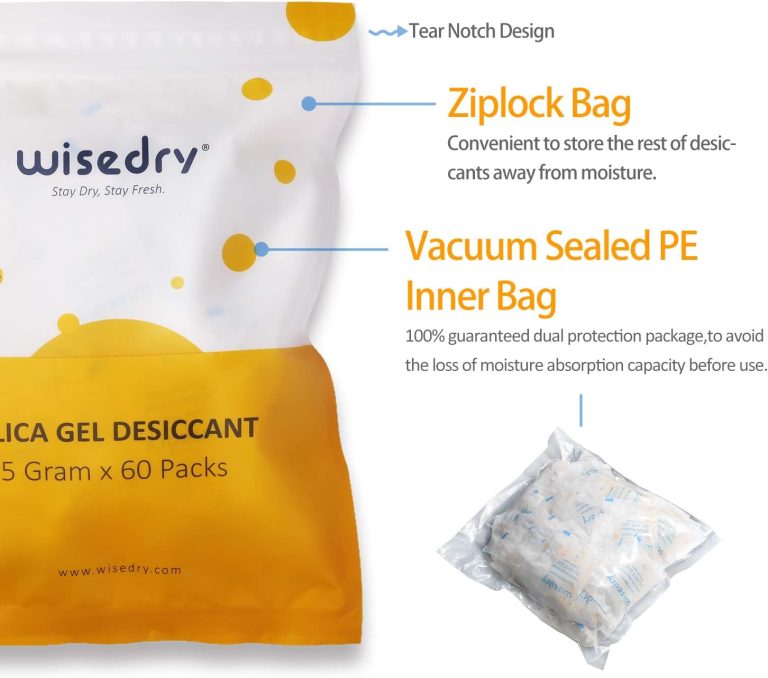
A packet sealed inside an airtight inner bag cannot respond to the larger outer container. Move it into the air volume you intend to manage, while keeping it protected from liquids, sharp edges, and crushing.
6. Inspect The Container And Placement
If the storage space still feels damp but the indicator does not change, inspect the setup before adding more desiccant.
Check for:
- a lid that does not close flush;
- debris crossing the gasket;
- frequent opening in humid air;
- damp contents or wet packing material;
- blocked packet surfaces;
- a packet size that does not match the container volume;
- several separated compartments with no shared airflow.
Use the Wisedry Silica Gel Amount Guide for a starting amount, then review Why Storage Containers Still Feel Damp With Desiccant Inside if moisture returns. Indicator color is one clue; it does not replace checking the seal and the contents.
7. Recharge Only With The Correct Product Instructions
If the product guide and its indicator show that reactivation is due, use the exact instructions for that pack size and format. The Wisedry recharge guide hub routes to the relevant instructions.
Do not respond to an unclear color by increasing heat, extending time without guidance, or borrowing a method from a different product. After the prescribed recharge cycle:
- let the packet cool fully as instructed;
- check the indicator again in neutral light;
- inspect the sachet for open seams, scorching, melting, or escaping material;
- record the result before returning it to storage.
A warm packet is not ready for a closed container merely because its color looks dry. Follow the cooling step before reuse.
8. Compare More Than Color
Color is useful, but it is not the only maintenance signal. Depending on the product instructions, also consider:
- a recorded dry reference weight and later weight change;
- how quickly humidity returns inside a sealed container;
- whether the container seal changed;
- whether the packet still returns to its stated ready condition after correct reactivation;
- whether the sachet remains clean and physically intact.
The guide How To Tell If A Silica Gel Packet Is Saturated explains how to combine indicator, weight, storage history, and container behavior instead of relying on appearance alone.
9. Know When To Stop Troubleshooting
Remove the pack from service if the sachet is torn, punctured, scorched, melted, or releasing beads. Do not continue heating a damaged packet to see whether its color changes. Review When To Replace A Damaged Desiccant Sachet for the physical-condition check.
If an intact indicating pack still does not behave as its current product instructions describe after the correct recharge and cool-down process, stop experimenting and contact Wisedry Support. Include the product name, packet size, indicator type, current color, storage setup, and recharge method you followed. That gives support enough context to identify the correct guide or next step without guessing.
Common Mistakes To Avoid
- Expecting every bead to change. Some beads are non-indicating and remain white or clear.
- Reading a ColorDot packet like a see-through bead packet. Follow the dot-specific instructions.
- Judging under yellow or colored light. Check against a white background in neutral light.
- Checking only one hidden edge. Inspect several intended indicator areas.
- Assuming no quick change means no moisture adsorption. A dry sealed container may produce little visible change.
- Using extra heat to force a color. Follow the exact recharge time and temperature for the product.
- Ignoring a torn or scorched sachet. Physical damage is a separate stop-use signal.
Frequently Asked Questions
Why are the white beads not changing color?
White beads are commonly non-indicating and are not intended to change color. In a mixed Wisedry packet, use the stated indicating beads or dedicated indicator to judge the recharge condition.
How long should a color change take?
There is no universal time. It depends on humidity, seal quality, packet amount, container volume, opening frequency, and the moisture carried by the contents. Observe the indicator and storage conditions rather than using a fixed number of days.
Does no color change mean the packet is not working?
Not by itself. The packet may be non-indicating, the container may be dry, the indicator may be hidden, or the product may use a separate dot. Confirm the product type and compare more than color.
What if only part of the packet changes color?
Uneven color often reflects different airflow or moisture exposure across the packet. Check placement and inspect several areas. Use the uneven-color guide before deciding whether to recharge or replace it.
What if the indicator does not return after recharging?
Let the packet cool, confirm that you used the instructions for the exact product and size, and recheck it in neutral light. Do not add unapproved heat cycles. If it still does not match the guide, contact Wisedry Support with the product and recharge details.
Use The Right Signal Before You Recharge
A desiccant pack that does not visibly change is not automatically defective. Identify the indicator system, make it visible, inspect the container, follow the correct recharge guide, and compare color with weight, storage history, and physical condition.
Next step: Find your product on the Wisedry recharge guide hub. If the indicator still does not match the instructions after the correct process and full cool-down, contact Wisedry Support with the packet size and indicator details.